Getting Started
Requirements
Install Postgres
Pyrseas has been tested with Postgres 9.3, 9.4, 9.5, 9.6 and 10, and we’ll certainly keep up with future releases.
Install Python
You will also need Python. Pyrseas has been tested with Python 2.7, but may also work under 2.6. It has been ported to Python 3 and tested against versions from 3.2 through 3.6. Python 3 is the preferred usage and development environment. On Linux or *BSD, Python may already be part of your distribution or may be available as a package. For Windows and Mac OS please refer to the Python download page for installers and instructions.
Create a Postgres database with a sample table
In Postgres, run:
CREATE DATABASE pyrseas_sample;
Then in the pyrseas_sample database run:
CREATE TABLE public.sample (column1 integer primary key);
Export the schema to YAML
dbtoyaml will export the dataschema to a yaml file.
run dbtoyaml:
$ dbtoyaml -U postgres -W pyrseas_sample -o mydatabase.yaml
Password:
A new file called mydatabase.yaml will be created with the following contents:
extension plpgsql:
  description: PL/pgSQL procedural language
  owner: postgres
  schema: pg_catalog
  version: '1.0'
schema public:
  description: standard public schema
  owner: postgres
  privileges:
  - PUBLIC:
    - all
  - postgres:
    - all
  table sample:
    columns:
    - column1:
        not_null: true
        type: integer
    owner: postgres
    primary_key:
      sample_pkey:
        columns:
        - column1
More information about the command line parameters can be found on the dbtoyaml - Database to YAML page.
Deploy schema to target database
run yamltodb:
$ yamltodb -U postgres -W -u pyrseas_target mydatabase.yaml
Password:
BEGIN;
CREATE TABLE sample (
    column1 integer NOT NULL);

ALTER TABLE sample OWNER TO postgres;

ALTER TABLE sample ADD CONSTRAINT sample_pkey PRIMARY KEY (column1);

COMMIT;
Changes applied
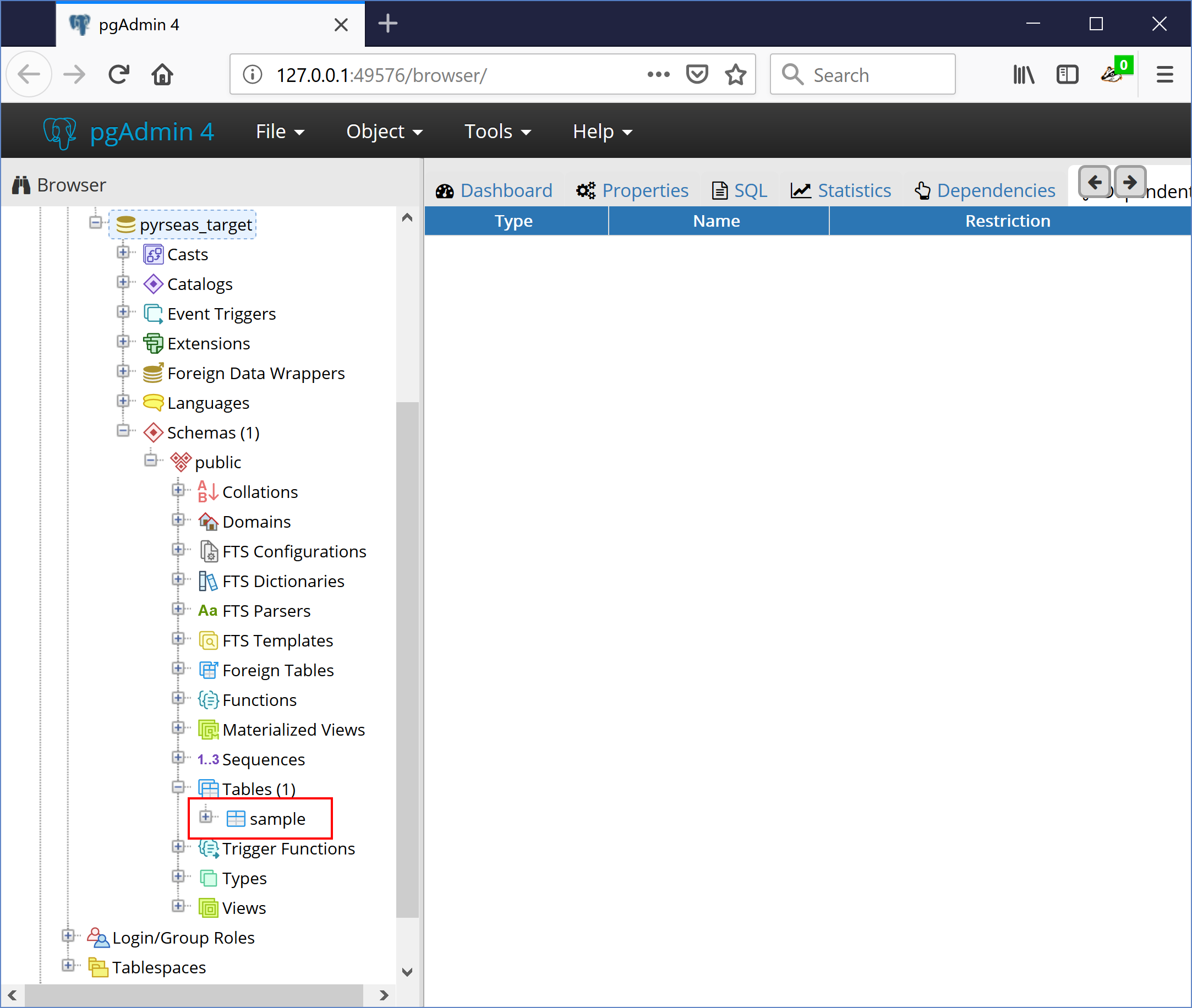
The above SQL statements have been executed on pyrseas_target and you will see the sample table in the pyrseas_target database.
More information about the command line parameters can be found on the yamltodb - YAML to Database page.
Congratulations
You’ve deployed your first database via Pyrseas.
The real advantage of Pyrseas is incrementally upgrading your database.
Incremental database upgrade
In the pyrseas_sample dababase run:
ALTER TABLE public.sample ADD column2 text NULL;
run dbtoyaml:
$ dbtoyaml -U postgres -W pyrseas_sample -o mydatabase.yaml
Password:
This will overwrite mydatabase.yaml and the file will now contain:
extension plpgsql:
  description: PL/pgSQL procedural language
  owner: postgres
  schema: pg_catalog
  version: '1.0'
schema public:
  description: standard public schema
  owner: postgres
  privileges:
  - PUBLIC:
    - all
  - postgres:
    - all
  table sample:
    columns:
    - column1:
        not_null: true
        type: integer
    - column2:
        type: text
    owner: postgres
    primary_key:
      sample_pkey:
        columns:
        - column1
run yamltodb:
$ yamltodb -U postgres -W -u pyrseas_target mydatabase.yaml
Password:
BEGIN;
ALTER TABLE sample
    ADD COLUMN column2 text;

COMMIT;
Changes applied
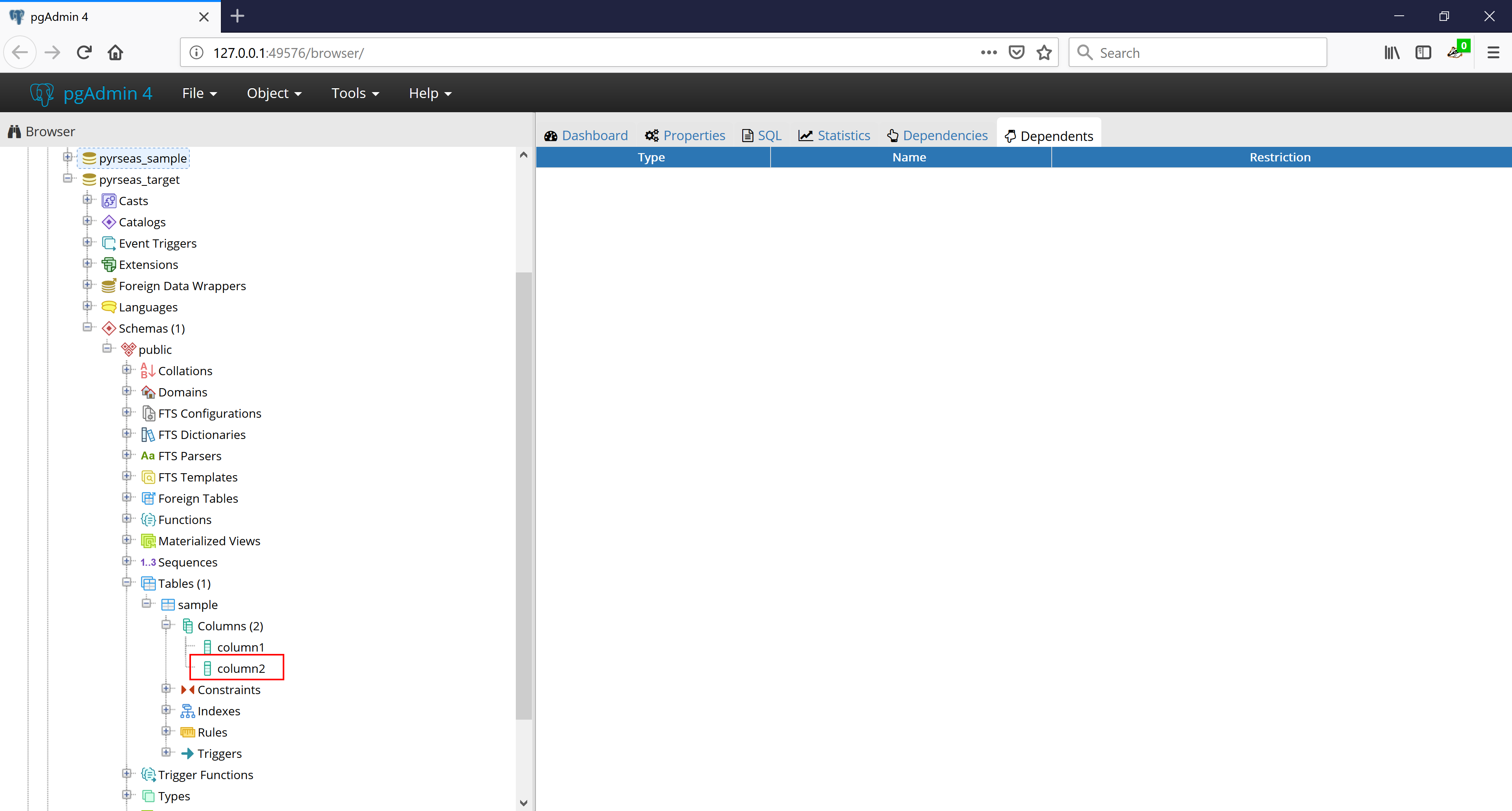
The new column has been incrementally added to the target database.